
Two-photo dance template
Smalltown Boy AI Video Generator
Cast your duo in the Smalltown Boy dance. Add a photo for each role, preview the scene, and create your own AI clip.
Your duo. Maximum drama.
Choose who plays each part
Use one clear cat photo for each role.
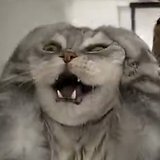
Role A — Reaction first
Starts close to the camera with the dramatic head-holding reaction.
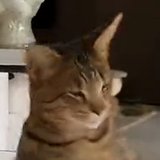
Role B — Dance first
Starts as the dancer behind Role A.
- Do:One cat per photo
- Do:Clear face and ears
- Avoid:Heavy filters
Choose your clip settings
Quality
Start with 4 s to check both faces before paying for a longer edit.
Includes the opening reaction.
Make your video
Review the total before you generate.
You only pay for the length and quality you pick. Failed generations are refunded.
How your clip is made
- Your photos decide who plays Role A and Role B
- Scene, moves and camera rhythm follow the reference clip
- The reference clip’s soundtrack is included
Use pet photos you have the right to use. Label AI-generated videos when sharing. Sexual content, harassment and deceptive impersonation are prohibited. Terms of Service
What your Smalltown Boy clip includes
This Smalltown Boy dance AI template is built on one contrast: one character reacts, the other dances.
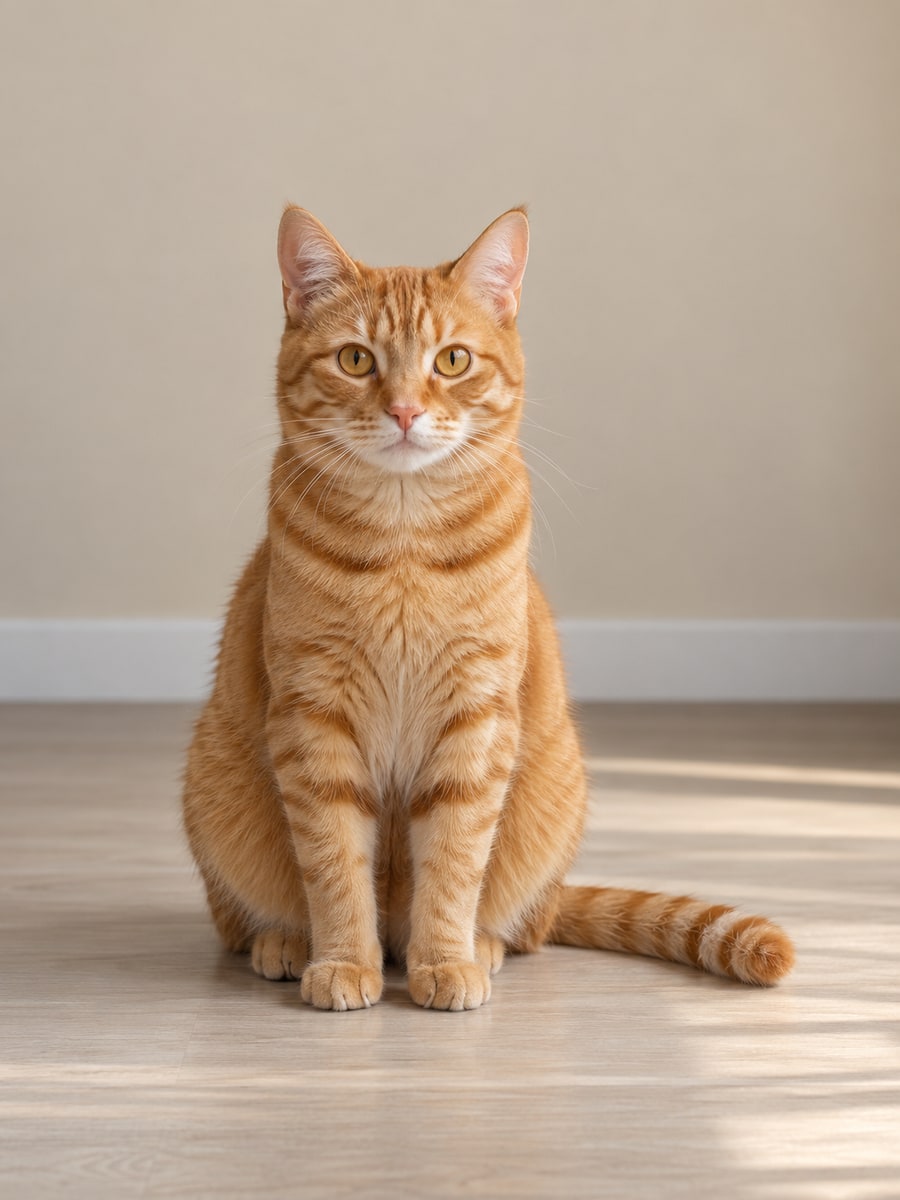
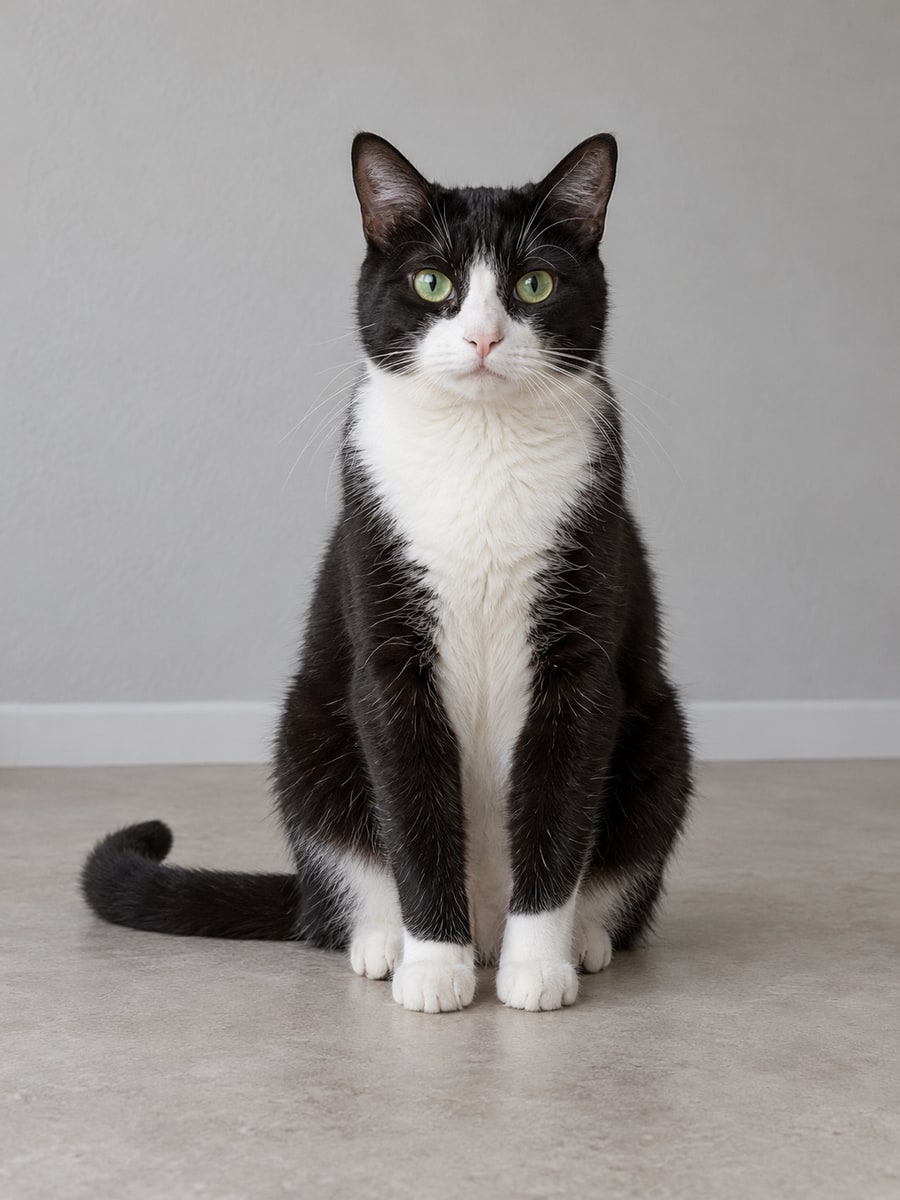
Real 7 s, 720p result from these two AI-generated cat photos, made before the soundtrack was added
- A
The reaction
Role A starts close to the camera, holding its head in an over-the-top, comedic reaction.
- B
The dance
Role B starts behind Role A, dancing. Longer clips continue with both cats dancing side by side and changing sides; each role stays with its cat.
- A + B
The finish
Both cats come up to the camera and reach toward the lens, in lengths that run to the end of the clip.
- What changes
- Who plays each role: your two cats.
- What follows the reference
- The scene, the choreography and the camera rhythm.
AI results can vary. Review both characters and the motion before sharing.
Make a Smalltown Boy AI video in three steps
- 01
Assign the two roles
Add a clear photo for each character and check the order.
- 02
Review the clip
Preview the scene, choose available settings, and check the credit cost.
- 03
Create and save
Generate your clip, review the result, and download it.
Help the AI recognize your duo
- One cat per photo.
- A clear view of the face, ears and coat colors.
- A visible body outline makes it easier to check the result.
- Avoid anything covering the face, heavy filters and strong blur.
- Your cat does not need to stand, dance or hold its head. The moves come from the reference clip.
- This template supports cats only; dogs, other animals and people are not supported.
Smalltown Boy AI Video Generator FAQ
What does this template create?
A short two-role clip built around the Smalltown Boy dance: one character starts close to the camera with a dramatic head-holding reaction while the other dances behind it. The scene, moves and camera follow the template’s reference clip; your two photos decide who plays each role.
Which photo plays which role?
Photo A plays Role A, the character who reacts first. Photo B plays Role B, the one who dances first. Each role follows its character even when the two change places. Use Swap roles to exchange them before you generate; both photos stay uploaded.
Do I need two separate photos?
Yes. Add one photo per role, each showing a single cat: a JPG or PNG up to 10MB, with each side between 301 and 5999 pixels.
Can I use cats, dogs, or people?
For now this is a Smalltown Boy cats AI template. Dogs, other animals, people and mixed pairs are not supported. A people version opens only after it has been tested.
Does it generate the full dance?
Not the whole reference. Each video uses one 4–10 second cut of the reference and covers only what happens in that cut. The settings show what your chosen length includes: shorter clips contain just the opening reaction, while longer ones add the side-by-side dance and the close-up finish.
Does the download include music?
Yes. Your download includes the soundtrack of the matching part of the reference clip, timed to the video.
Is the generator free?
Signing up is free, but the Smalltown Boy dance generator uses credits for each video. The cost for your settings is shown before you generate, and credits come from the plans and packs on the Pricing page.
Is the video vertical?
Yes. Clips keep the reference’s 9:16 vertical framing, so they suit vertical feeds without cropping.
What happens if the characters change or a render fails?
AI results can vary: a cat may look different from its photo or the motion may drift, so review the clip before sharing. Credits are returned automatically only when a render fails, and the video card shows the refund status. If a submission cannot be confirmed, its credits stay on hold while we check it; contact support with the task ID on the card.
How are my photos handled?
Your photos are used to generate the video you request and are processed by our video provider. We do not use them for advertising or to train AI models. Photos and videos are kept until you ask us to delete them. Privacy Policy
Try another scene
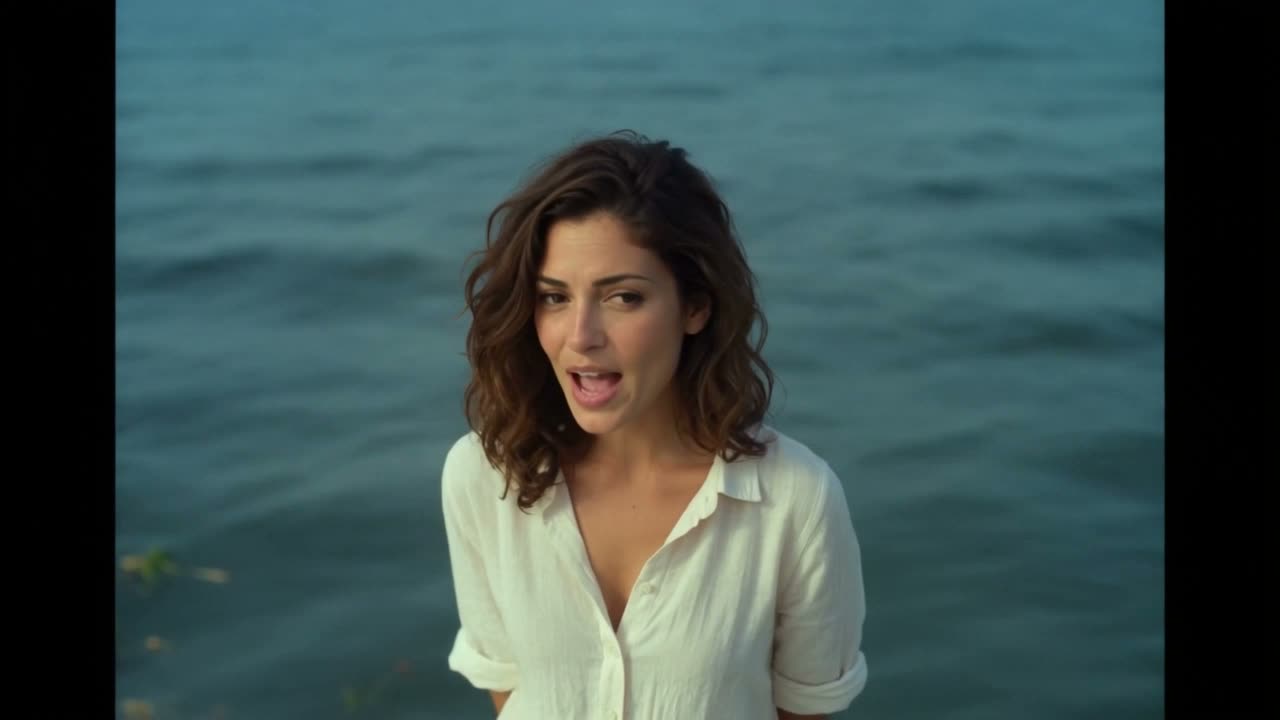 RainDance AIPut two people into the seaside pier duet.
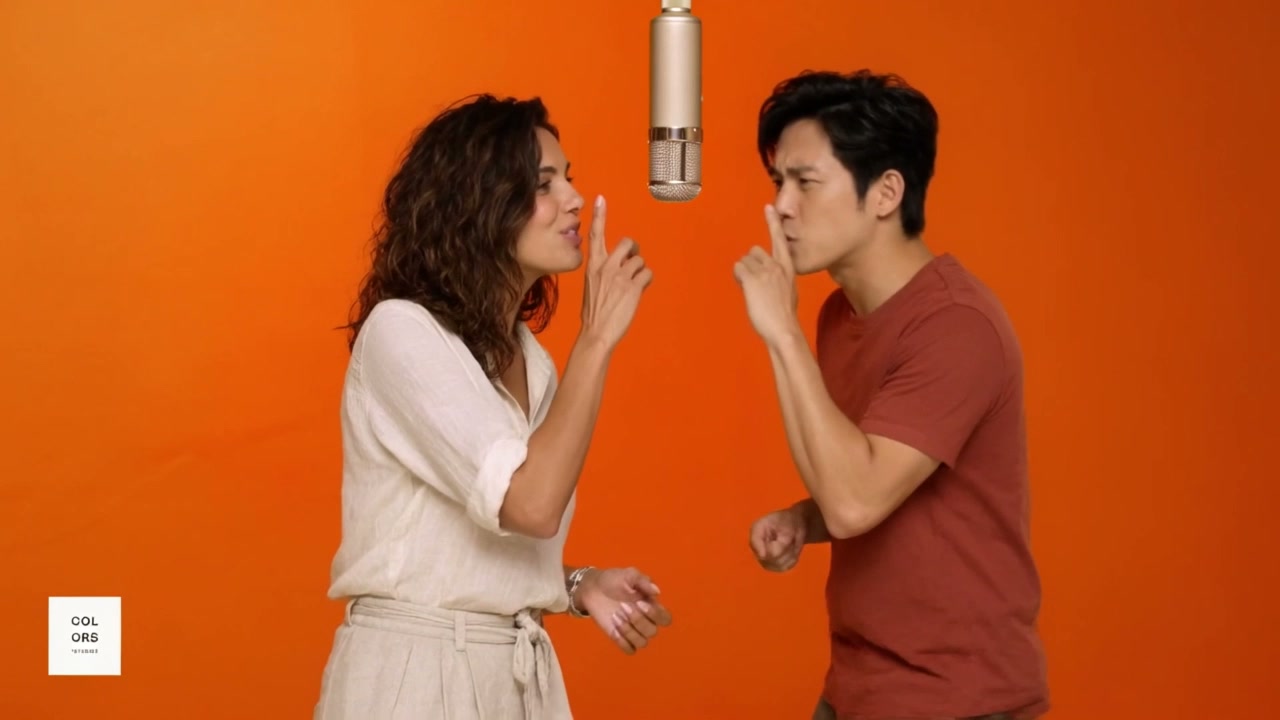 Hotel Lobby AITwo photos, one studio duet
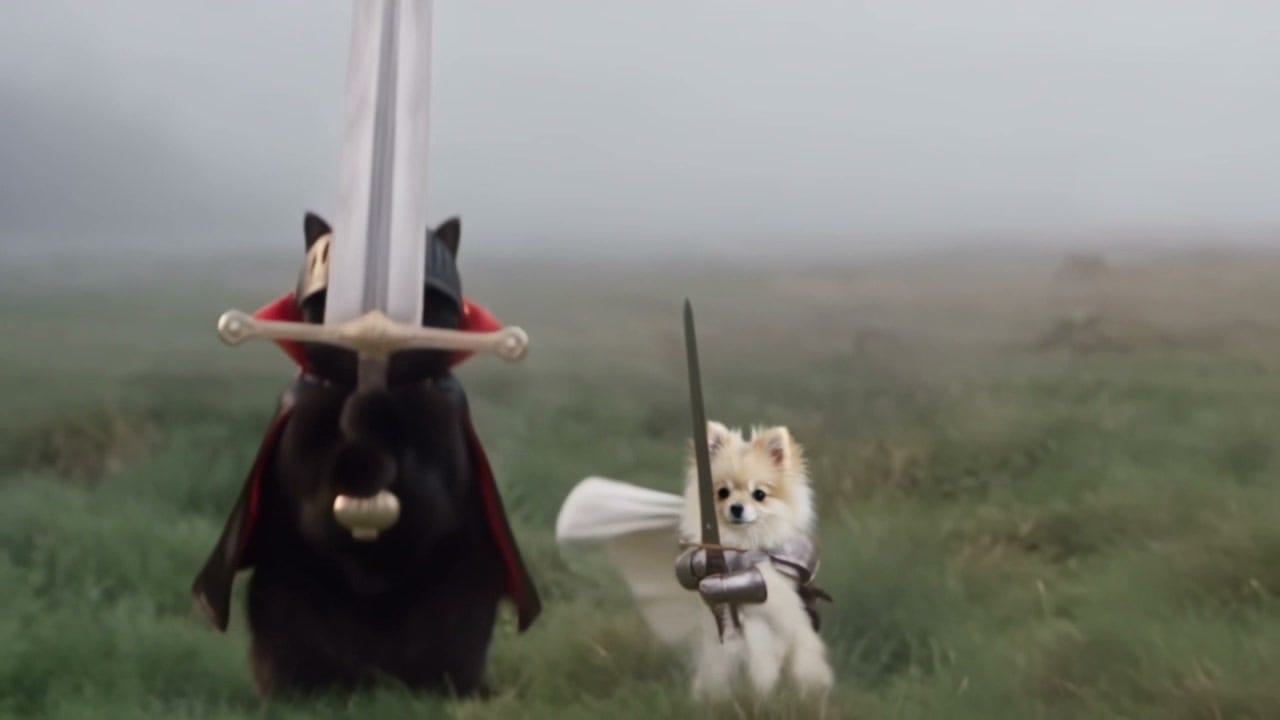 Knight Cat AIYour two pets as tiny knights in a foggy meadow.
 Burning Bridges AIOne photo, one party lead
 Rumpelstiltskin AITiptoe dance generator with an optional watcher
 Bulin 47 AIOne photo, one freestyle lead
Need credits first? See pricing