
Two-photo car dance template
Poker Face Car AI Video Generator
Put your duo in a Poker Face-inspired car dance. Add one photo for each seat, preview the routine, and create your own AI clip.
Pick your seats. Share the moment.
Cast the front seats
Add one clear photo for each person, then check the seat assignment.
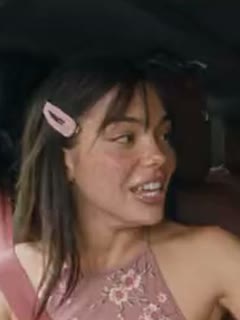
Passenger
Your first photo takes the passenger role.
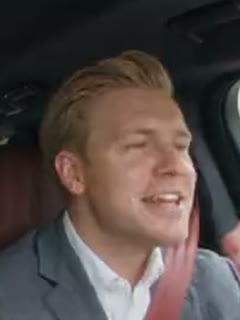
Driver
Your second photo takes the driver role.
- Do:One consenting adult per photo
- Do:Keep the face clearly visible
- Avoid:Group photos or pets
Choose your clip settings
Front-Seat Duo
A coordinated performance in a fixed car setup.
Quality
Each length uses its own reviewed excerpt of the reference clip, and your video is exactly that long.
Every length includes the point, the face cover (0:02–0:07) and the reveal.
Make your video
Review the clip, audio information, and total before generating.
You only pay for the length and quality you pick. Failed generations are refunded.


What stays fixed
- The car, camera angle and seat layout of the reference clip
- Each photo stays in the seat you assign
- A silent video: no song or music is added
Use photos of yourselves or of adults who agreed to this use. Label AI-generated videos when sharing. Sexual content, harassment and deceptive impersonation are prohibited. Terms of Service
01 · Seats
Choose who takes each seat
Each photo stays assigned to its selected seat. Use Swap seats before generating to reverse the casting.
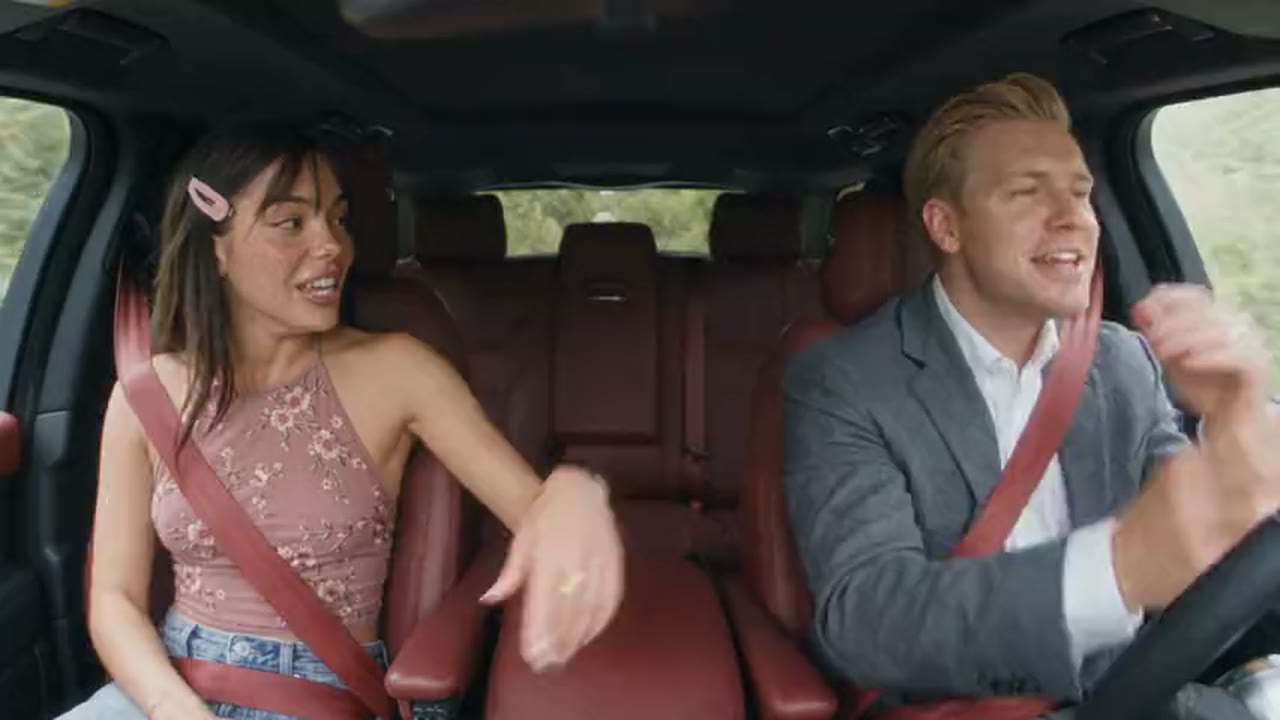 Reference clip
Photo A · Passenger
Left of the frame in the reference clip
Sits in the front passenger seat, beside the driver.
Photo B · Driver
Right of the frame in the reference clip
Sits in the driver’s seat, behind the steering wheel.
Swap seats
Swapping exchanges your two photos between the seats. The car, the steering wheel and the camera view stay where they are, the video is never flipped, and nobody changes seats during the clip.
Which way you face in your photo does not decide your seat, and a mirrored selfie does not flip the car.
02 · Moves
Preview the moves before you generate
Your video follows the selected excerpt of the reference clip (0:00–0:09). Play it in the Reference clip tab above to see every move before you pay.
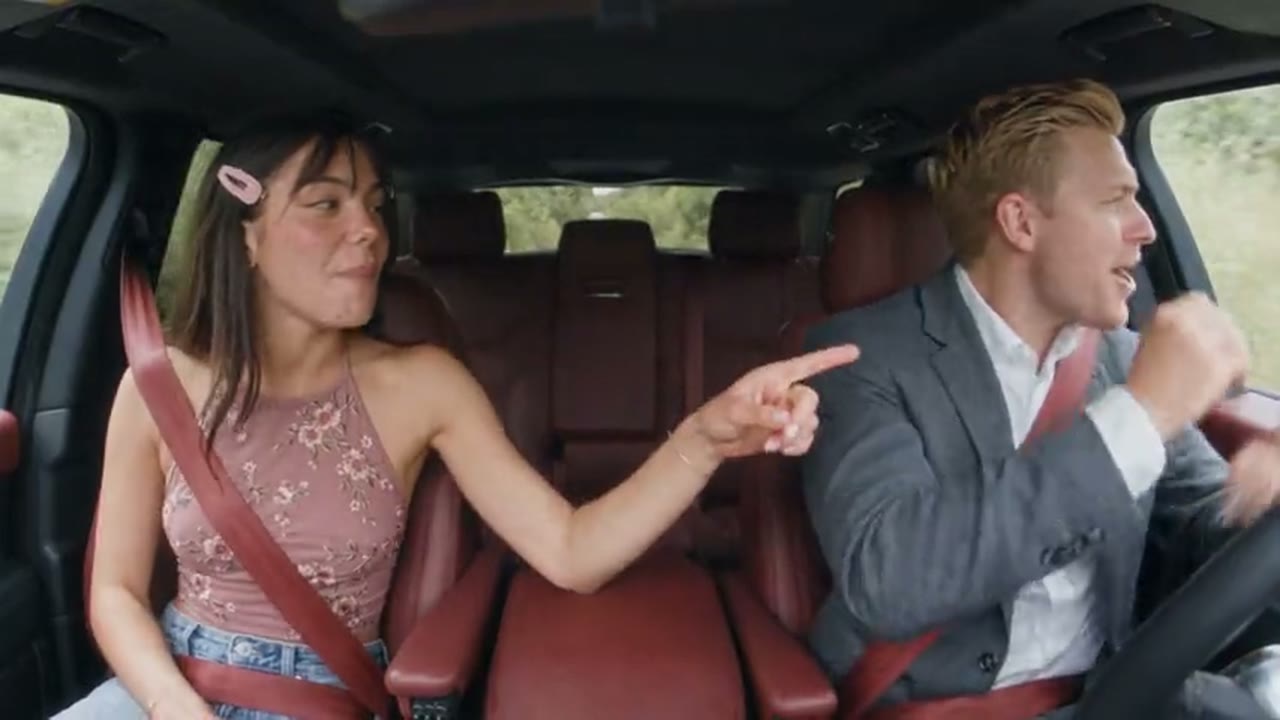 Reference clip
0:00 · The point
The passenger points at the driver while both move to the beat.
 Reference clip
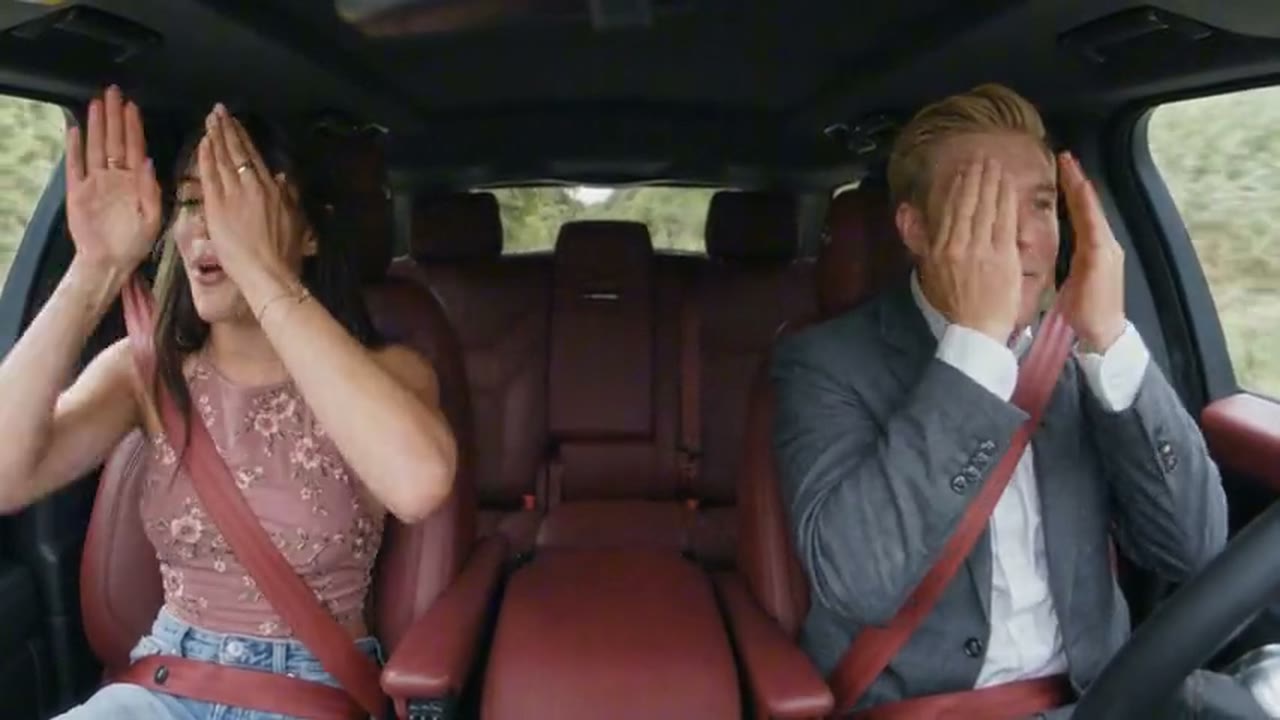
0:02 · The face cover
Both cover their faces with both hands for about five seconds, peeking through their fingers.
 Reference clip
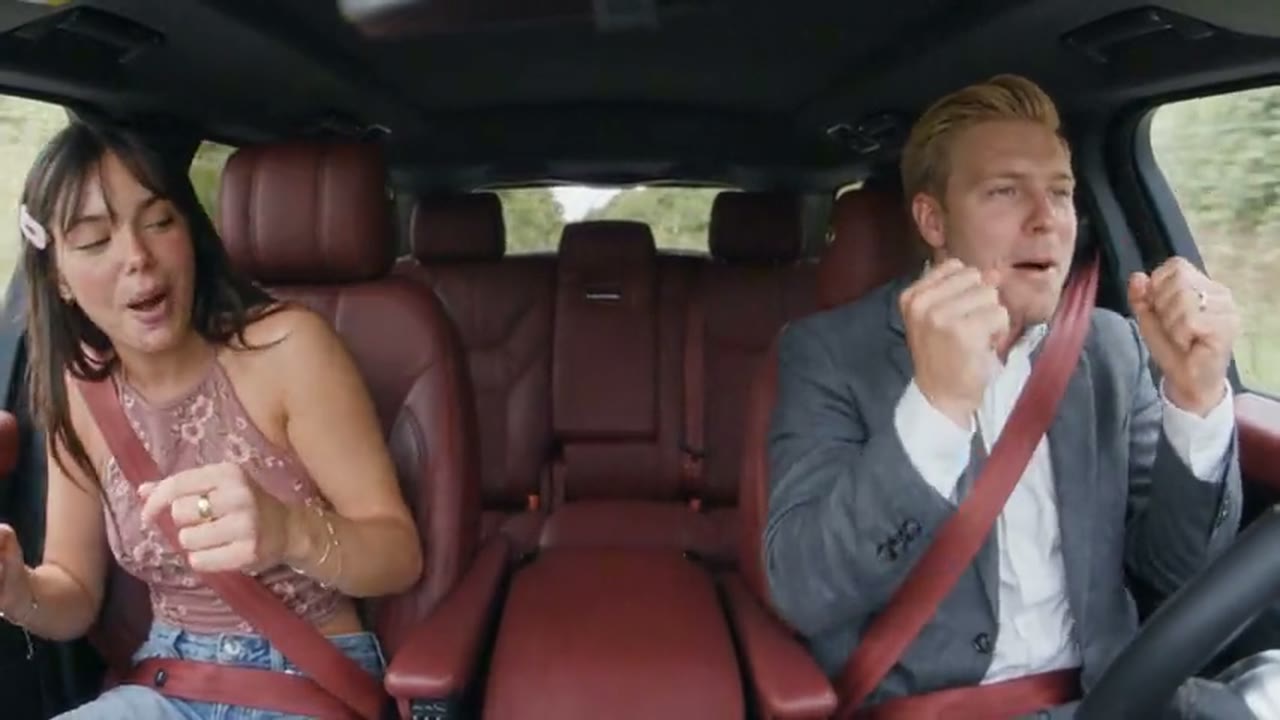
0:07 · The reveal
Both drop their hands, then sing and dance in their seats. Check both faces from here on.
Check the selected excerpt and review both faces after moments of occlusion.
03 · Steps
How to make a Poker Face car AI video
- Step 1
Add your two photos
Choose one clear image for each role and check the seats.
- Step 2
Review your clip
Preview the available excerpt and confirm the settings, audio, and credit cost.
- Step 3
Generate and save
Create your video, review both characters, and download the result.
04 · Photos
Make both people easy to recognize
Works well
- One person per photo, head and shoulders in view
- Clear, even light on the face
- JPG or PNG up to 10 MB, each side between 301 and 5,999 pixels
- Photos of yourselves, or of adults who agreed to this use
Avoid
- Heavy blur, strong filters or beauty effects
- Sunglasses, masks or hands covering the face
- Group photos, children, celebrities or pets
You do not need a car or a special pose in your upload.
Each photo sets that person’s face and hair, and the clothing where the model manages it. The seats, seat belts and car come from the reference clip; parts of the original outfits, such as sleeves or rings, can stay.
AI results can vary. Check faces, hands, and seat details before sharing.
05 · FAQ
Poker Face Car AI Video Generator FAQ
Can’t find an answer? Contact support with the task ID on your video card.
What does this template create?
A short video of your two people in the front seats of one fixed car scene, performing together as seen from a dashboard camera. You choose who sits in the passenger seat and who sits in the driver’s seat. It is a single, fixed scene, not a song generator or a general video maker.
Which photo goes in which seat?
Photo A takes the passenger seat and Photo B takes the driver’s seat behind the steering wheel. Which side of the frame each seat appears on comes from the car in the reference clip; the seat guide on this page shows it for the image currently displayed.
Can I swap the two people?
Yes. Swap seats exchanges your two uploaded photos between the passenger and driver roles, and the video is requested in that new order. It does not flip the video, move the steering wheel or change the camera view.
Do I need two separate photos?
Yes. Upload one photo for each person; the same photo cannot fill both seats. A single photo of both of you is not split into two people automatically.
Do I need to upload a reference video?
No. The car scene comes from this template’s own reviewed reference clip; you only add two photos.
Will the video keep the same faces when hands cover them?
That is the goal: each person should stay in their own seat before and after a hand or a head turn briefly hides their face, and a covered face can stay hidden for a moment. AI video can still drift, blend or misplace a face, so check both people in the result before you share it.
Can I make a vertical video?
Not at the moment. The video is landscape (16:9) so both front seats stay fully in frame. Cropping it to vertical would cut part of one person out, so it is not offered as a vertical version.
Does it include the Poker Face song?
No. The video is silent: this template adds no song or music, and nothing on this page is a song download.
Does it clone our voices or guarantee lip sync?
No. The template places your two people into the car scene; it does not clone voices, add singing or guarantee that mouths match any music.
Can I use a pet photo?
Not in this template. It is made for two adults only.
Is the generator free?
Signing up is free, but each video uses credits. The cost for your settings is shown before you generate, and credits come from the plans and packs on the Pricing page. Pricing
What happens if generation fails?
If a render fails, its credits return to your balance automatically and the video card shows the refund status. A finished video you are not happy with is not a failed render and is not refunded automatically. If a submission cannot be confirmed, its credits stay on hold while we check it; contact support with the task ID on the card.
How are uploaded photos handled?
Your photos are used to generate the video you request and are processed by our video provider. We do not use them for advertising or to train AI models. Photos and videos are kept until you ask us to delete them. Privacy Policy
Try another video scene
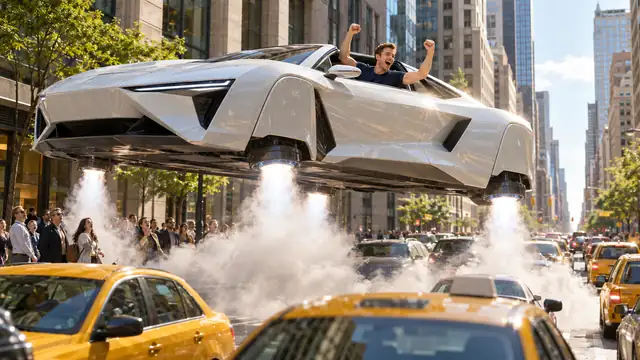 Flying Roadster AIOne photo, one driver who takes off
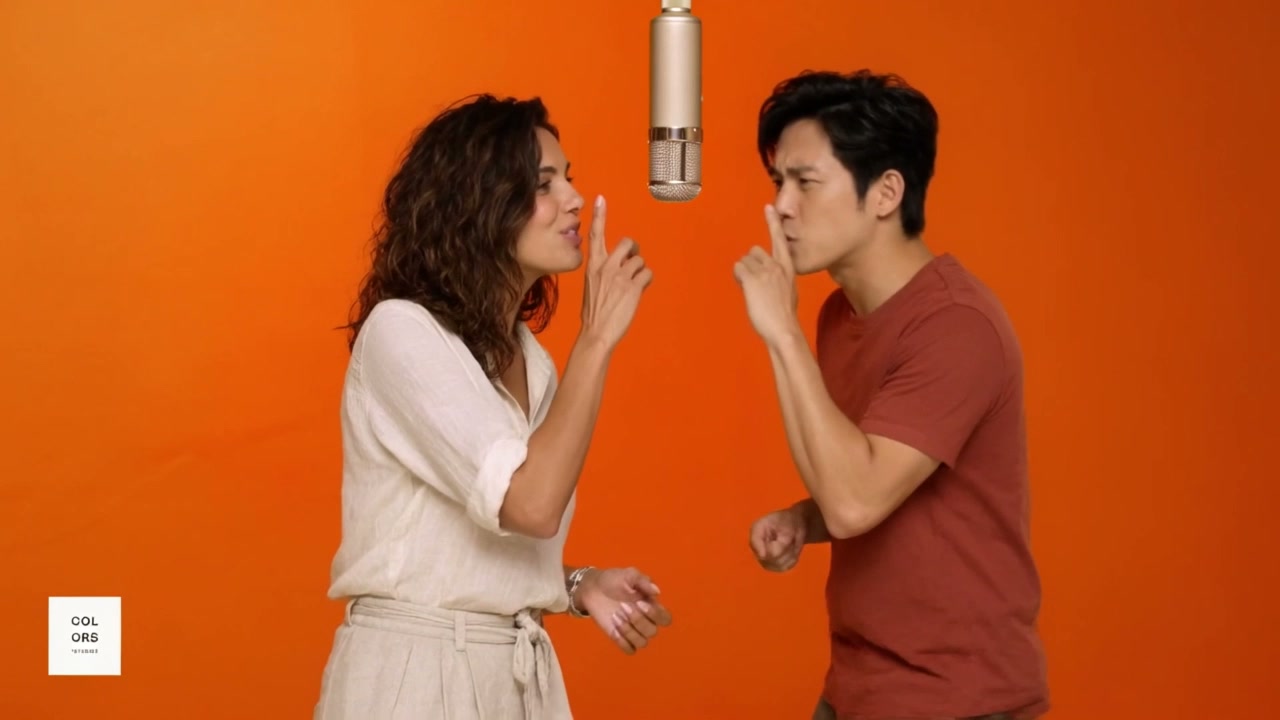 Hotel Lobby AITwo photos, one studio duet
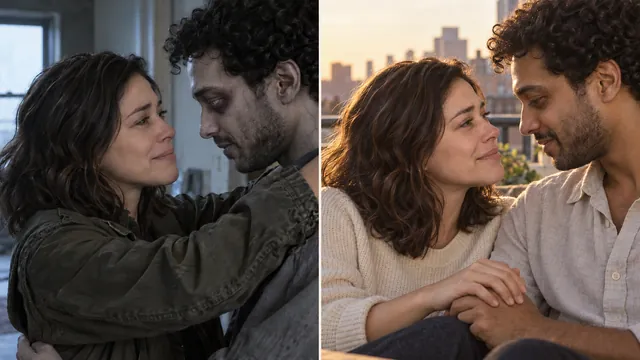 Zombie Couple VideoTwo photos, one zombie love story
Pick your seats. Share the moment.
Two photos, two front seats, one coordinated car performance.