
One-photo flying car template
Flying Roadster AI Video Generator
Stuck in traffic, one button, and the car takes off. Upload one photo and become the driver of the viral flying roadster clip.
Your photo. Your lift-off.
Choose your driver
Upload one clear photo for the flying roadster driver. The car shots have nobody in them and stay as filmed. Use a photo of yourself or an adult who has agreed to appear.
Driver
The person behind the wheel
- Do:One person, clear face
- Do:Good lighting
- Avoid:Heavy filters or a covered face
Check your clip settings
Traffic Lift-Off
The flying roadster sits stuck in city traffic, its driver has had enough, one button on the console and a rocket-powered take-off above the taxis.
Quality
The preselected 10 s flying roadster clip is the whole story: the car in traffic, the button, the lift-off and the celebration. Shorter clips start later and always end on the celebration; 6 s starts at the button press.
Make your video
Review your settings and credit cost before generating.
You only pay for the length and quality you pick. Failed generations are refunded.
You replace the driver, not the car.
- Your photo is used for the driver only
- The traffic, the lift-off and the flight stay as filmed
- The selected excerpt’s reference audio is kept
Use a photo of yourself or of an adult who agreed to this use. Label AI-generated videos when sharing. Sexual content, harassment and deceptive impersonation are prohibited. Terms of Service
Stuck in traffic. One button. Lift-off.
Your photo defines the driver of the flying roadster. The clip tells the whole joke in four beats, and the driver is the only person in it. The selected reference guides the movement, timing and camera work.
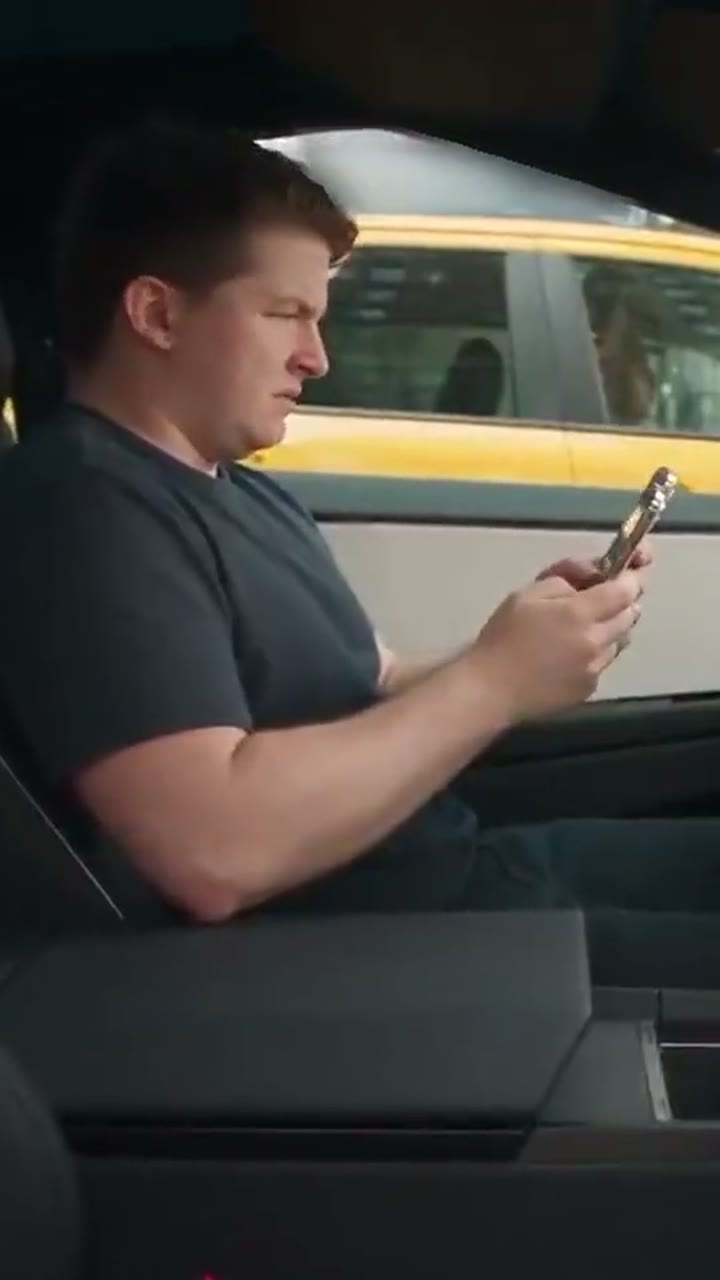
1Stuck in traffic
The white roadster sits between yellow taxis while the driver scrolls his phone and grimaces at the jam. Your face takes over here, seen mostly in profile.
2The button
Fed up, the driver reaches down and presses a button on the console, right next to the coffee cup.
3Lift-off
Thrusters fire, smoke covers the street and the flying roadster rises between the buildings. Nobody is visible in these shots, so they stay exactly as filmed.
4Celebration
Back inside, the driver throws both arms up and shouts while the camera shakes. This is the second shot your photo is used for.
This flying roadster template recreates a viral AI flying-car clip that people also search as the Tesla Roadster trend. RainDance AI is not affiliated with or endorsed by Tesla, and the car in the clip carries no brand.
What is the flying roadster trend?
The flying roadster trend took off on TikTok in mid-October 2026, when AI clips of a sleek white sports car escaping a traffic jam started filling the For You page. Within a week the most-watched flying roadster videos had passed several million views, all following one script: a bored driver, one secret button and a car that simply leaves the road.
Everyone has been stuck in traffic and wished for that button. The first half is slow and relatable, the lift-off is loud and absurd and the ending is pure joy, so a flying roadster video reads instantly even with the sound off.
Also searched as:Tesla Roadster trendAI flying car videoTraffic jam lift-off
How people use the flying roadster clip
The commute joke
Post your own flying roadster video on a Monday morning or after a long drive home, captioned with the road you were really stuck on.
The friend who is always late
Make a flying roadster video of a friend who always blames traffic, with their agreement, and send it as their new excuse.
The dream car
Birthdays, new licences and car-shopping posts: the flying roadster stands in for the car everyone wishes they had.
How to make a flying roadster AI video
- 01
Add your photo
Choose a clear image for the flying roadster driver: one person, face visible, no heavy filters.
- 02
Preview the scene
Pick a length and quality, then review the reference audio and the credit cost before you generate.
- 03
Generate and download
Create your flying roadster video, check the face in both driver shots, then download the MP4 and share your lift-off.
Keep your flying roadster driver recognizable
- One person in the photo.
- A clear face in even light; the driver is mostly seen in profile, so a natural three-quarter view also works.
- Avoid strong blur, heavy filters, sunglasses, masks and hands over the face.
- A head-and-shoulders or half-body photo is fine; a clear face matters most.
- Use your own photo, or one the person pictured agreed to let you use.
No special setup is needed. You do not have to sit in a car or hold a phone in your photo.
Review the face during the fast celebration before sharing. AI results can vary.
Sharing your flying roadster video
A few details help your clip land once it leaves RainDance.
Made for vertical feeds
The flying roadster video is 9:16, the native frame of TikTok, Reels and Shorts, so it fills the screen without bars.
Caption the jam
Name the road, the commute or the person who is always late. Keep the caption off the bottom third, where the celebration happens.
Label it as AI
Turn on TikTok’s AI-generated content setting, Instagram’s AI info label, or YouTube’s altered or synthetic content disclosure.
Ask first
If someone else is the driver, post with their agreement and ask before tagging them.
Hashtags for this trend: #flyingroadster #flyingcar #roadstertrend #aivideo
Flying Roadster AI Video Generator FAQ
What does this template create?
A short vertical clip of the flying roadster trend: a driver stuck in city traffic presses a button, the car lifts off and flies between the buildings, and the driver celebrates inside. Your photo becomes that driver.
Do I need one photo or two?
One. A flying roadster video needs a single photo of the driver: a JPG or PNG up to 10MB, with each side between 301 and 5999 pixels.
Which shots of the flying roadster video does my photo change?
Only the two shots inside the car: the driver on his phone pressing the button, and the celebration after lift-off. The aerial view of the traffic and the lift-off itself show only the car and stay as filmed.
Do I need to upload a reference video?
No. The template uses a preset reference clip, so you never need to find or upload a video.
Can I use my cat or dog?
Not on this template. It is set up for one adult driver only; pet photos are not supported here.
Will it keep my clothes?
Your photo guides the driver’s face, hairstyle and build. The driver keeps the clip’s dark t-shirt unless your photo clearly shows other clothing.
Does the video include the original audio?
Yes. Your video and download include the selected excerpt’s original soundtrack, for personal, non-commercial sharing. Terms of Service
Is this a real Tesla or an official Tesla product?
No. The flying roadster in the clip is an unbadged, AI-made car and this is an independent RainDance AI template. It is not affiliated with or endorsed by Tesla.
Is it free?
Signing up is free, but each flying roadster video uses credits. The cost for your settings is shown before you generate, and credits come from the plans and packs on the Pricing page. Pricing
How long is a flying roadster video?
Between 6 and 10 seconds. The 10 s version is the full flying roadster clip; shorter lengths start later and still end on the celebration. Longer clips cost more credits.
What happens if generation fails?
Failed renders refund their credits automatically, and the video card shows the refund. A finished video you are not happy with is not refunded automatically; contact support with the task ID on the card.
How are uploaded photos handled?
Your photo is used only to generate your video and is processed by our video provider, never for advertising or AI training. It is kept until you ask us to delete it. Privacy Policy
Try another one-photo scene
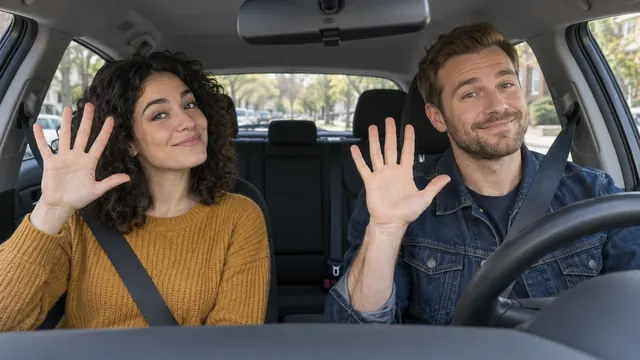 Poker Face Car AITwo photos, two front seats, one car dance
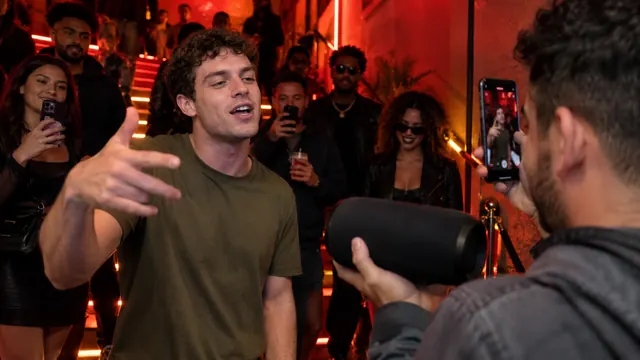 Bulin 47 AIOne photo, one freestyle lead
 Burning Bridges AIOne photo, one party lead
Need credits first? See pricing