
AI skirt text reveal
AI Skirt Text Reveal Generator
Make your message appear with a skirt spin.
Add your portrait and a short message. Create a dance video that reveals your words across the skirt as it opens.
Add your portrait
Choose a clear photo of one person. The template provides the outfit and movement.
Dancer
One person
- Do:One consenting adult
- Do:Face clearly visible
- Avoid:Group photos
Text on the skirt
Keep it short so your message is easy to read when the skirt opens.
Reads best with 2–8 Chinese characters or 2–3 English words.
Video settings
Storefront scene · template outfit
The dancer wears the template’s blue-grey skirt with an orange-red lining in front of a shopfront with no shop name. Your photo sets who is dancing.
Quality
One 8-second take: the set-up, the one-hand spin, the open skirt with your message, and the finish.
Make your video
Check your message, the layout preview and the total before generating. The lettering is drawn by the AI model and can come out imperfect; credits are refunded only when a render fails.
You only pay for the length and quality you pick. Failed generations are refunded.
Text layout preview
Check your words and layout before generating.
What every video gets
- Your portrait guides the dancer’s identity.
- Your exact message, in the layout you previewed.
- Silent, vertical 9:16, 8 seconds.
Use a photo of yourself or of an adult who agreed to this use. Label AI-generated videos when sharing. Sexual content, harassment and deceptive impersonation are prohibited. Terms of Service
01 · Examples
See your message unfold
No generated examples yet. Real videos, shown with the portrait and message that made them, will appear here. Until then, these are layout previews on concept art, not videos.
02 · How it works
From photo to text reveal
- Step 1
Add your portrait.
One clear photo of one person. It sets who is dancing; the outfit and the moves come from the template.
- Step 2
Enter your message and check its layout.
Type a shop name, a city, an event line or a greeting, and see it in gold along the open skirt before you spend anything.
- Step 3
Generate, preview, and download your video.
Your video appears on this page when it is ready. The file you download is the same one you preview.
03 · What you get
Your face, your words, one spin
Your portrait guides the dancer’s identity.
Face, hair and build come from your photo, so the dancer reads as you.
Your message appears on the skirt.
The exact text you confirm, in the same font, size and arc as your layout preview — never translated or rewritten.
The spin reveals the full design.
The lining opens toward the camera and holds long enough to read the whole message, then folds away as the skirt falls.
04 · FAQ
Skirt text reveal questions
Can’t find an answer? Contact support with the task ID on your video card.
Can I add my own text?
Yes. Type a short message — a shop name, a city, an event line or a greeting. It is used exactly as you type it; we never translate, correct or rewrite it.
Which languages and characters are supported?
Chinese characters, English letters, numbers, spaces and basic punctuation (. , ! ? & ' - and ,。!?、:;). Emoji and other scripts are not supported yet; the form tells you which characters to change.
How much text can fit on the skirt?
The limit is measured, not counted: your message must fit one arc along the open skirt at a size that stays readable — usually up to about 7–11 Chinese characters or two to three short English words. If it does not fit, we ask you to shorten it instead of shrinking it or dropping letters.
Will the text appear in the downloaded video?
Your message is part of the video request: the model receives it together with a design image drawn from the layout you previewed, and the download is the same file as the preview. The lettering is drawn by the AI model, so check your video before sharing it.
Can I use a photo of my shop as the background?
Not yet. Every video uses the template’s storefront scene, which shows no shop name. Uploading your own background is not supported.
Will the template use the outfit in my photo?
No. Your photo sets who is dancing — face, hair and build. The outfit always comes from the template: a full blue-grey skirt with an orange-red lining, even if your photo shows a T-shirt or jeans.
Does the video include music?
No. Videos are silent; no soundtrack is included. Add your own music when you post.
How many credits does it cost?
The price for the quality you pick is shown on the page before you generate. Credits are charged once per video and refunded automatically if the render fails. Pricing
Where can I download my result?
On this page as soon as it is ready, and later from your video history on the Create page. The download is the same file as the preview.
More one-photo templates
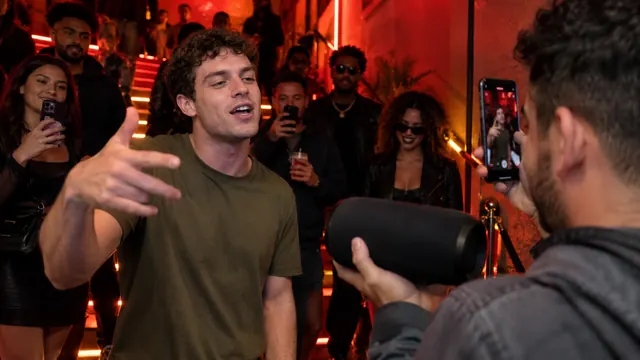 Bulin 47 AIOne photo, one freestyle lead
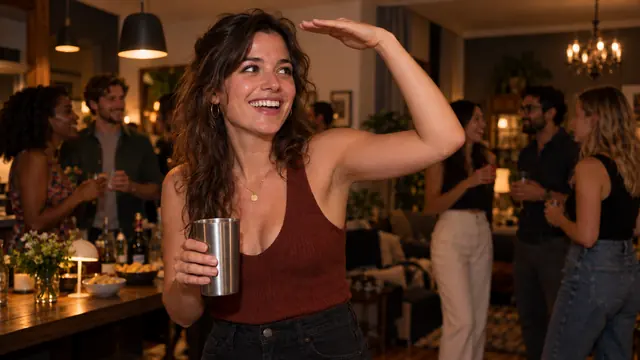 Burning Bridges AIOne photo, one party lead
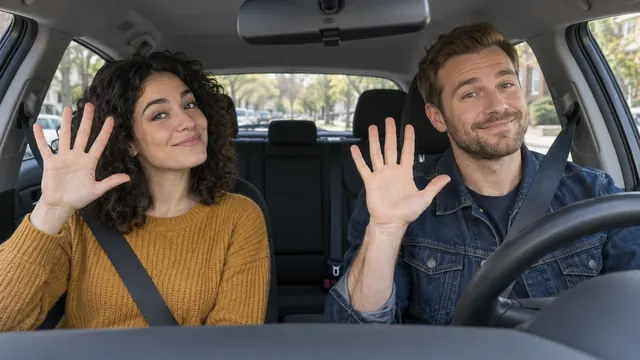 Poker Face Car AITwo photos, two front seats, one car dance
Put your message on the skirt
Your portrait and message stay in the form above.