
One-photo party template
Burning Bridges AI Video Generator
Step into a Burning Bridges-inspired party clip. Upload one photo, preview the signature searching gesture, and create your own version.
One photo. You take the lead.
Choose your party lead
Upload one clear photo. Your image is used for the main performer, not the surrounding guests. Use a clear photo of yourself or an adult who has agreed to appear.
Party lead
The main performer, not the guests
- Do:One adult in the photo
- Do:Face clearly visible
- Avoid:Heavy filters or a covered face
Check your clip settings
Quality
720p recreates the party scene from the reference at a lower price: the gesture, room and guests follow it, but details and timing can differ. Check that the lead stays you until the last frame.
The preselected length shows the whole gesture. Check what a length includes before you change it.
Includes the hand rising, the searching gesture, and the hand coming down.
Make your video
Your total is shown before you generate.
You only pay for the length and quality you pick. Failed generations are refunded.
What this template does
- Your photo replaces the lead only
- The scene and movement follow the reference clip
- The selected excerpt’s original soundtrack is kept
Use a photo of yourself or of an adult who agreed to this use. Label AI-generated videos when sharing. Sexual content, harassment and deceptive impersonation are prohibited. Terms of Service
Your photo. The center of the party.
This template puts one character at the center of a party performance. Your photo provides the lead’s identity, while the selected reference guides the scene and movement.
1The lead
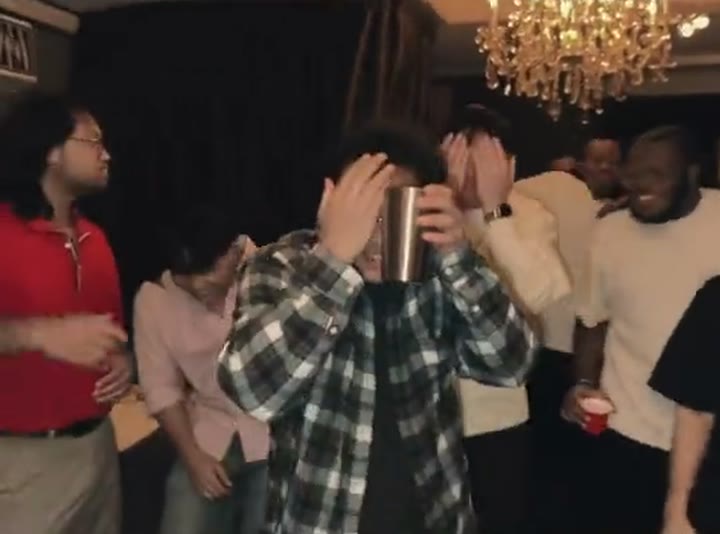
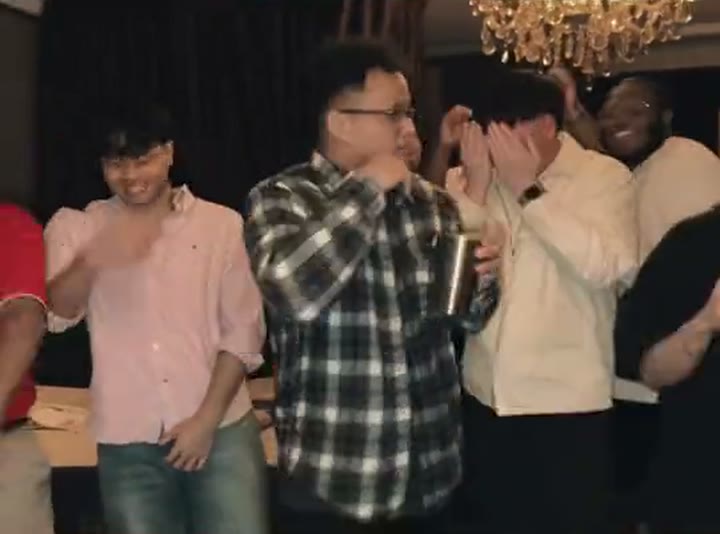
Your photo replaces the performer in the plaid shirt closest to the camera, the one holding a metal tumbler.
2The guests
The people around the lead are not given your face. In 1080p they and the room come straight from the reference footage; 720p recreates them from it, so details can differ. Check the background before sharing.
3The gesture
The free hand goes up to the brow and over the eyes, the lead waves to the room, and the hand returns to the brow before it drops.
The template is inspired by party clips set to Drake’s “Burning Bridges”. RainDance AI is not affiliated with or endorsed by Drake, and it does not imitate any artist’s face or voice.
Find the moment that makes the clip
Check the selected excerpt before you generate.
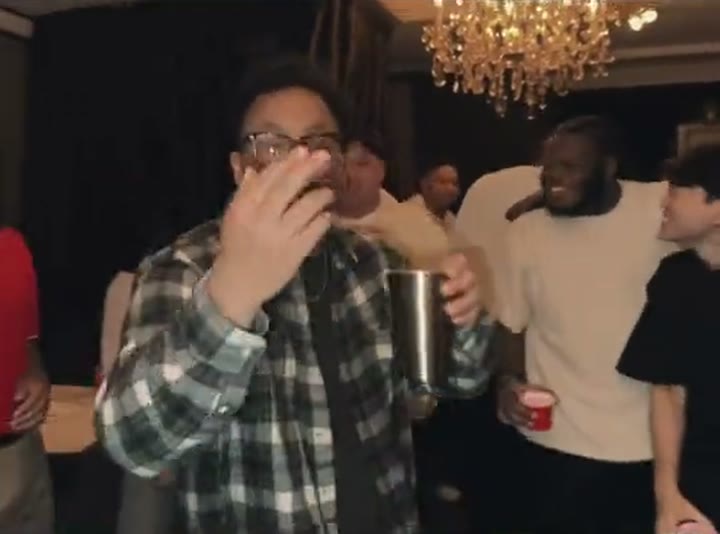
Hand rises
In clips of 6 s or longer
The search
In every clip
Hand comes down
In clips of 5 s or longer
Frames from the reference clip. Your photo replaces the lead.
How to make a Burning Bridges AI video
- 01
Upload one photo
Choose a clear image of the person taking the lead.
- 02
Preview your clip
Check the selected scene, available settings, audio information, and credit cost.
- 03
Generate and save
Create the video, review the result, and download it.
Make your lead easy to recognize
- One person in the photo.
- A clear face in even light.
- Avoid strong blur, heavy filters, sunglasses, masks and hands over the face.
- A head-and-shoulders or half-body photo is fine; a clear face matters most.
- Use your own photo, or one the person pictured agreed to let you use.
No party setup or special pose is needed. You do not have to hold a cup or recreate the gesture.
Review the face, hands, and movement before sharing. AI results can vary.
Burning Bridges AI Video Generator FAQ
What does this template create?
A short, reference-guided party clip with one lead: the performer closest to the camera, metal tumbler in hand, who raises a hand to the brow over the eyes, waves to the room and brings the hand back. Your photo replaces that lead. It is not a general video generator and does not create songs, lyrics or new choreography.
Do I need one photo or two?
One. Upload a single photo of the person taking the lead: a JPG or PNG up to 10MB, with each side between 301 and 5999 pixels. There is no second photo and no role swap.
Does the clip include the “Where she at?” gesture?
Yes, every length includes it. The preselected clip also shows the hand rising and coming down; shorter clips start with the hand already at the brow. The settings show each clip’s start and end and what it includes.
Do I need to upload a reference video?
No. The template uses a preset reference clip, so you never need to find or upload a video.
Will the other guests look like me?
They should not. Your photo is assigned only to the lead, and the guests keep their own look. In 720p the scene is recreated, so guests can look slightly different from the reference; in 1080p they stay as filmed. Either way, check the people in the background before sharing.
Can I use a photo of my pet?
Not on this template. It is set up for one adult person only. For cats, try the Smalltown Boy or Knight Cat templates.
Will my face and outfit stay the same?
That is the goal: the face, hair and outfit in your photo guide the lead. AI results can still vary — a face can drift as the hand passes it, an outfit can change or fingers can look off — so check the result before sharing.
Does the download include the song?
Yes. Your download includes the original soundtrack of the selected excerpt. In 1080p it stays in step with the edited footage; in 720p the recreated movement can drift slightly from the beat. The footage and music are used under licence, so finished videos are for personal, non-commercial sharing. Terms of Service
Is accurate lip sync included?
No. The template follows the reference performance. It does not sync the lead’s lips to a song or speech, and it does not generate or clone any voice.
Is this generator free?
Signing up is free, but each video uses credits. The cost for your settings is shown before you generate, and credits come from the plans and packs on the Pricing page. Pricing
What happens if generation fails?
If a render fails, its credits return to your balance automatically and the video card shows the refund status. A finished video you are not happy with is not a failed render and is not refunded automatically. If a submission cannot be confirmed, its credits stay on hold while we check it; contact support with the task ID on the card.
How are uploaded photos handled?
Your photo is used to generate the video you request and is processed by our video provider. We do not use it for advertising or to train AI models. Photos and videos are kept until you ask us to delete them. Privacy Policy
Try a different scene
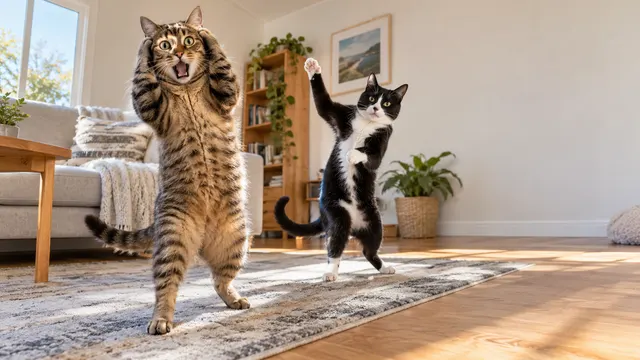 Smalltown Boy AIOne cat reacts, the other dances
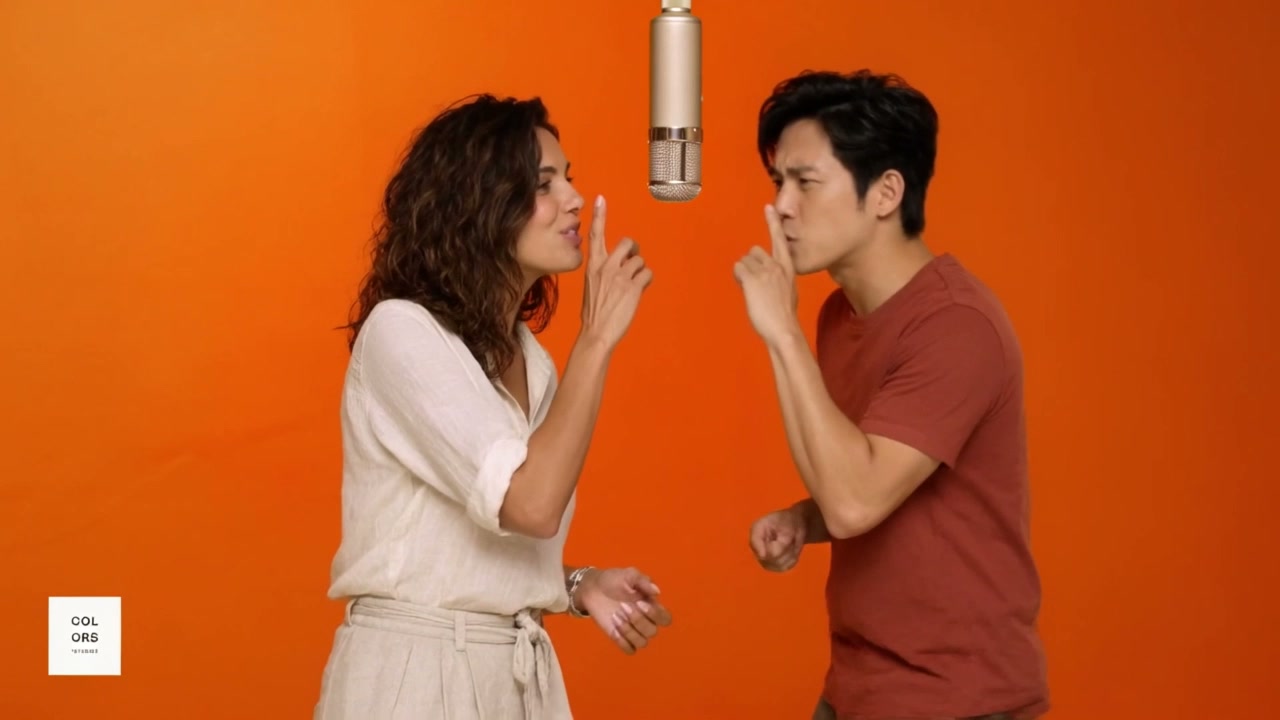 Hotel Lobby AITwo photos, one studio duet
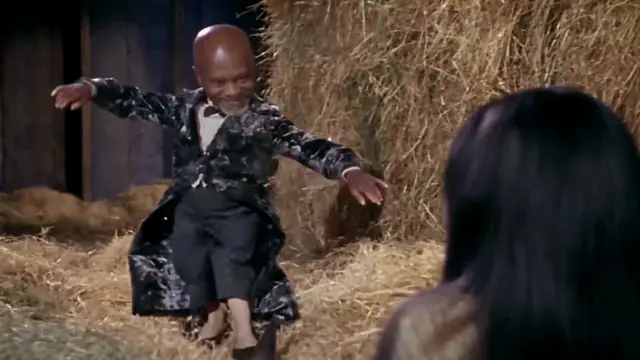 Rumpelstiltskin AITiptoe dance generator with an optional watcher
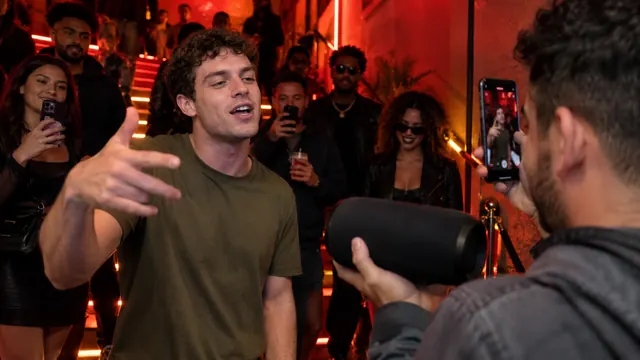 Bulin 47 AIOne photo, one freestyle lead
 Skirt Text RevealYour words revealed on a spinning skirt
Need credits first? See pricing